How the dial works
Every project in DadBot Studio has a setting. The base setting is No AI. Assistive and Generative are available when you turn them on. You can change the setting on any project. The setting decides what the machine may do. It does not decide who owns the work.
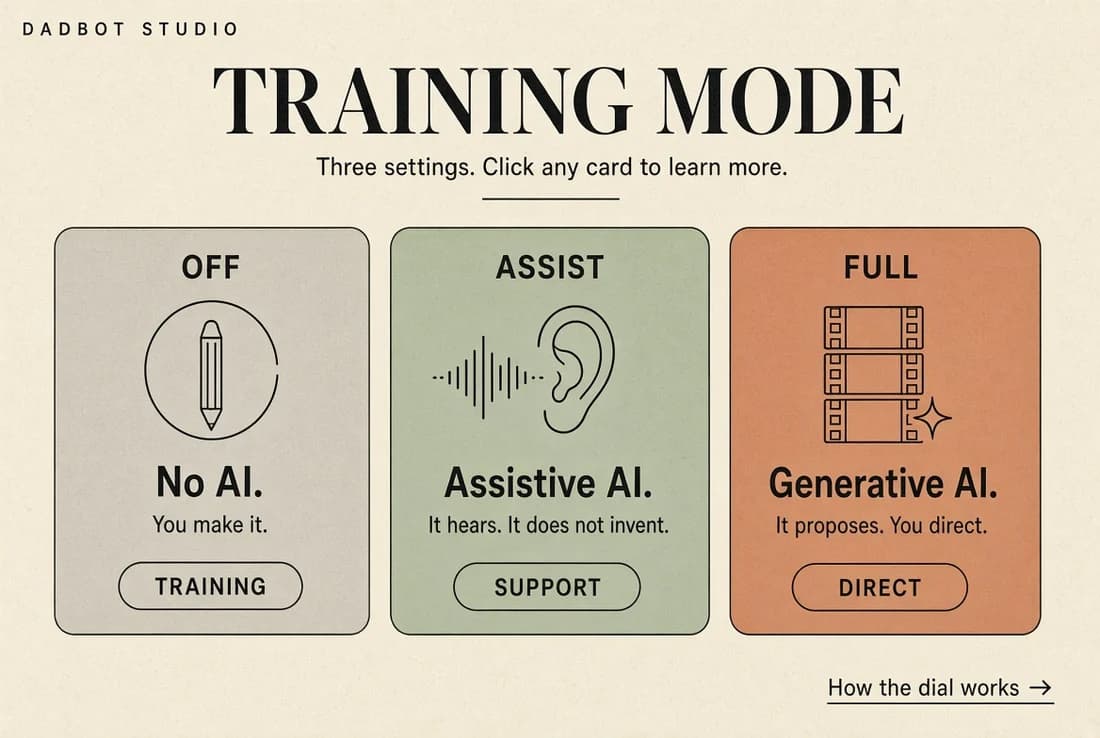
No AI / AI Control
Base setting. AI off.
Upload your own music and lyrics. In the manual editor, set the timing for each line. In the video editor, fill the scenes — one scene per line. The system stitches your images and videos together. It does not generate a note, a word, or a frame.
Choose the full report to see everything you did. That file is what you hand a producer, a director, or a copyright officer.
Use this setting to learn the map, to keep a story entirely in human hands, or to build the version you will later compare against a machine pass. Off is how you see what the other two settings actually add.
Assistive AI
Turned on when you want speed and none of the authorship.
Servers trained on technical skills split your recording into stems. From the vocal stem, the system finds the timing of the lyrics. That timing locks each video scene to the song.
These are logical systems. They separate, time, and measure. They do not rewrite the lyric, replace the picture, or invent a melody.
You can also request feedback on your lyrics and metrics about your lyrics. Feedback is advice. Metrics are a mirror. Neither one alters the file.
Use this setting when the work is already yours and the labor is what is in the way.
Generative AI — Level 1
The full suite. Off by default. If you want it, you turn it on.
From your lyrics it can draft music. From your image prompts it can draft stills and video scenes. This is the setting artists feel most threatened by, which is why it is not waiting for you when you open a project.
A clean way to use it: finish a piece by hand in No AI — or with Assistive timing only — then open a second, private collection and ask what the machine would do with the same material. Ideas. A look at what competition might try. Keep that collection private. Do not let it overwrite the piece you made.
Every generated pass should land in the report: what was human, what was drafted, which model, what date. Same handoff file as the other settings — producer, director, copyright officer.
What all three share
DadBot Studio is a prototyping system. The output is not the end of the road. It is a demo, a timed storyboard, a video you can publish to social or use to pull the right team in to make the real thing.
The dial only changes how you get to that prototype. Off builds it by hand. Assistive speeds the mechanics. Generative proposes a second version you can study.
Stay in full control. Manual mode will teach you how to be in full control. Work slowly with persistence — it’s designed to keep you on track.